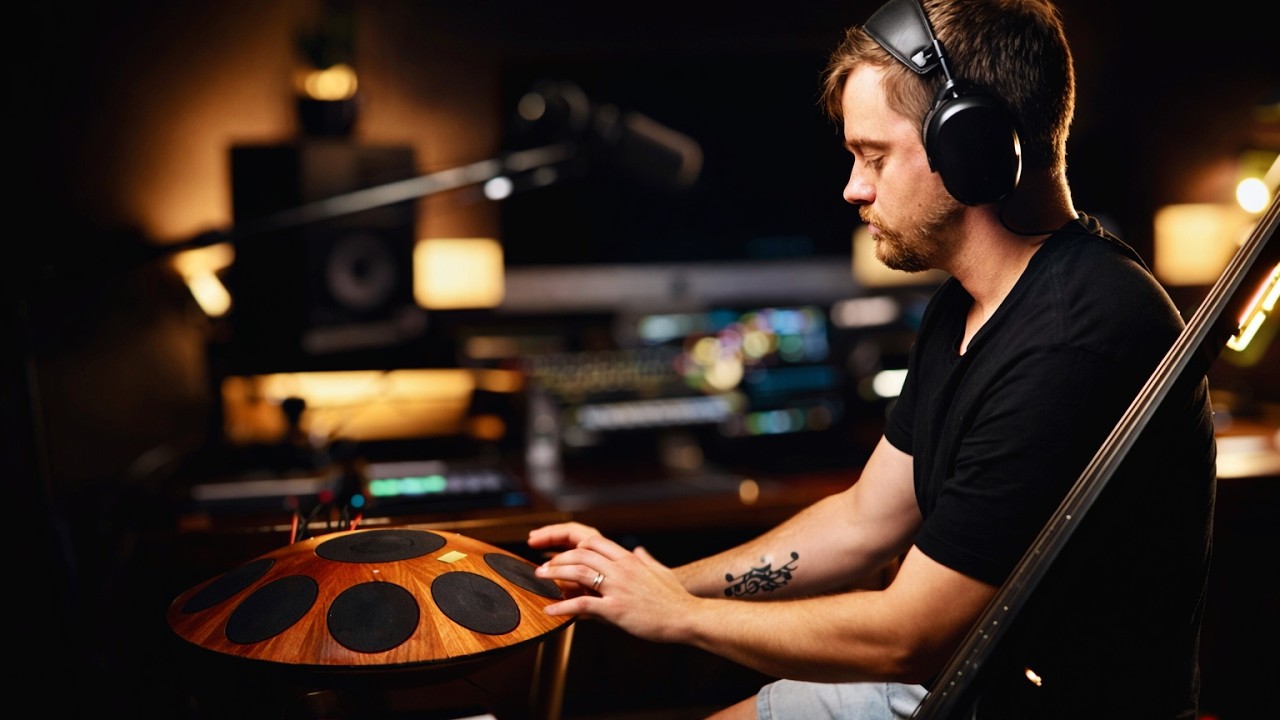
Most music software treats video as an afterthought — a render you bolt on later. Buhr Looper flips that. Its Video Lab makes your webcam a playable part of the loop. You don't edit the video; you perform it, in time, while you play.
Here's how the visual instrument works.
Every loop records a video clip — automatically
The foundation is dead simple to use and clever underneath. The moment you record an audio loop, Buhr Looper records a synced video clip from your camera too, locked to the same loop clock. When that loop plays back, the clip plays back with it — frame-accurate, in time, forever.
Under the hood the engine captures camera frames at high rate and intelligently thins them per clip, archiving with a hard memory ceiling so even a long, loop-heavy set can't run your machine out of RAM. You just see smooth, looping video. Record four loops, get four looping clips.
Auto-Cut: a multi-cam director that never sleeps
Stacking loops would normally mean a messy pile of video windows. Instead, the Auto-Cut engine arranges your clips into a polished composition automatically, and rearranges as you add or retire loops.
There are 20 layout presets with names that read like camera angles — Skyline, Undertow, Harbor West/East, Gallery Rise/Fall, Ladder, Quilt, Pulse and more — covering shelves, rails, crowns, twin and quad splits, and full mosaics. Tiles can auto-arrange, pin to corners, hug stage-right, rise from the bottom, or orbit in a ring. Want to art-direct a specific tile? Drag it; Buhr Looper remembers a custom position and animates to it.
Tiles that arrive — 40+ cinematic reveals
A new loop shouldn't just pop into existence. In Buhr Looper, each new tile can enter with one of 40+ cinematic entry animations — particle blooms, glitch tears, crystal shatters, DNA helixes, matrix rain, galaxy swirls — plus a calm ambient family (velvet drift, aurora veil, silk drape, moon dust…) for chilled sets. Set it to Random Cycle or Random Ambient and every new loop reveals itself differently. It feels directed, because it is.
It keeps you framed: hand & motion tracking
Performers move. Buhr Looper's hand tracking and motion-focus crop watch the frame and re-center each clip on the action — your hands on the strings, the pads, the keys — so the interesting part stays in shot without a camera operator. Turn it on and the stage quietly follows you.
Multiple cameras, no switcher required
Got more than one camera? Auto Camera Switch rotates through up to four connected cameras on a bar count you choose, holding and crossfading frames so there's never a black flash on the cut. Prefer to trigger a switch as a move? The Camera Switcher effect changes the live feed to a chosen device the instant a block fires. And Live Feed Priority periodically promotes the live camera over the recorded tiles, so the performer stays "present" instead of buried under loops.
Caption it like a pro
The Video Lab includes built-in Auto Captions that fire animated text on loop events. Choose from 25 font styles — punchy, luxe, sticker, neon, and creator favorites like Anton, Bebas Neue and Montserrat — with 8 transitions (lift, pop, slide, smear, whip, bounce, flash, glitch), three placements, custom scale, and your own text/accent/background colors. Label each layer ("drums," "bass," "the drop") and the stage narrates itself.
Widescreen or vertical, one switch
Flip the entire stage between 16:9 landscape and 9:16 vertical with a single control. Same performance, two formats — a projector-ready widescreen show or a phone-native vertical clip for Shorts, Reels and TikTok.
Want only the loops on screen?
Sometimes you don't want the live camera visible at all — just the finished loop videos building up. Loop Output Only hides the live feed while a capture is pending or recording, so take one records against a blank stage and only completed clips appear on playback. Clean, intentional performance video with zero "setup" frames.
Style it to taste
Every visual detail is yours: tile scale, opacity, corner radius, rotation, frame style (none, black hairline, or soft glow), per-overdub opacity stepping so stacked layers read clearly, and overall brightness. Dial in a look once and your stage has a signature.
The takeaway
The Video Lab isn't a video editor strapped to a looper. It's a second instrument that you play with the same hands, on the same clock. Record a loop, and you've directed a shot. Stack a few, and you've cut a scene. That's what it means to make your webcam a visual instrument.
Get Buhr Looper
Buhr Looper runs as an AU and VST3 plugin on macOS (Intel + Apple Silicon) and Windows, signed and notarized by Apple. Record your first audio-and-video loop in about ten seconds, unlocked instantly with a Gumroad key.
</content>
FAQ
Can Buhr Looper turn my webcam into visuals?
Does it support multiple cameras?
Can I make vertical videos?
Written by Reinhardt Buhr, a live-looping multi-instrumentalist and the developer behind Buhr Looper — the world's first all-in-one video, audio & MIDI live looper. Grab the 70% launch discount.


