Living loop circles
Every loop draws itself as a circle with the waveform painted as radial spikes between an inner and outer ring. Overdubs stack as concentric inner bands so you can see every layer at a glance.
The world's first all-in-one Video, Audio & MIDI live looper plugin. Capture sound and motion together, then build living loop circles you can resize, stretch, stack, and layer with every overdub, each loop carrying its own video feed, locked in perfect sync and a real-time editor algorithm.
The complete tutorial — every looper, overdub, slice and Auto Instrument trick, start to finish. The fastest way to understand what Buhr Looper actually does.
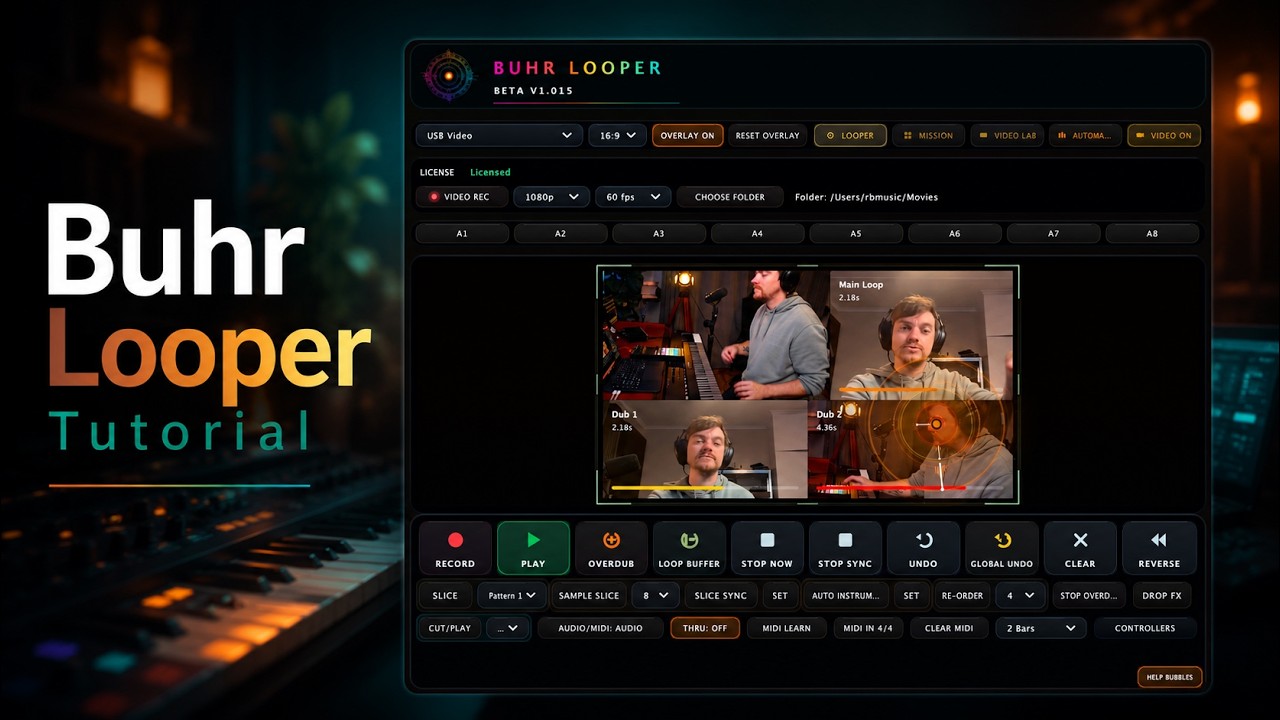
Cuts, hand tracking, captions, transitions, video effects, every move you'd spend a night on in a timeline editor, rendered live inside the plug-in.


It’s like having a video editor,
editing in realtime.


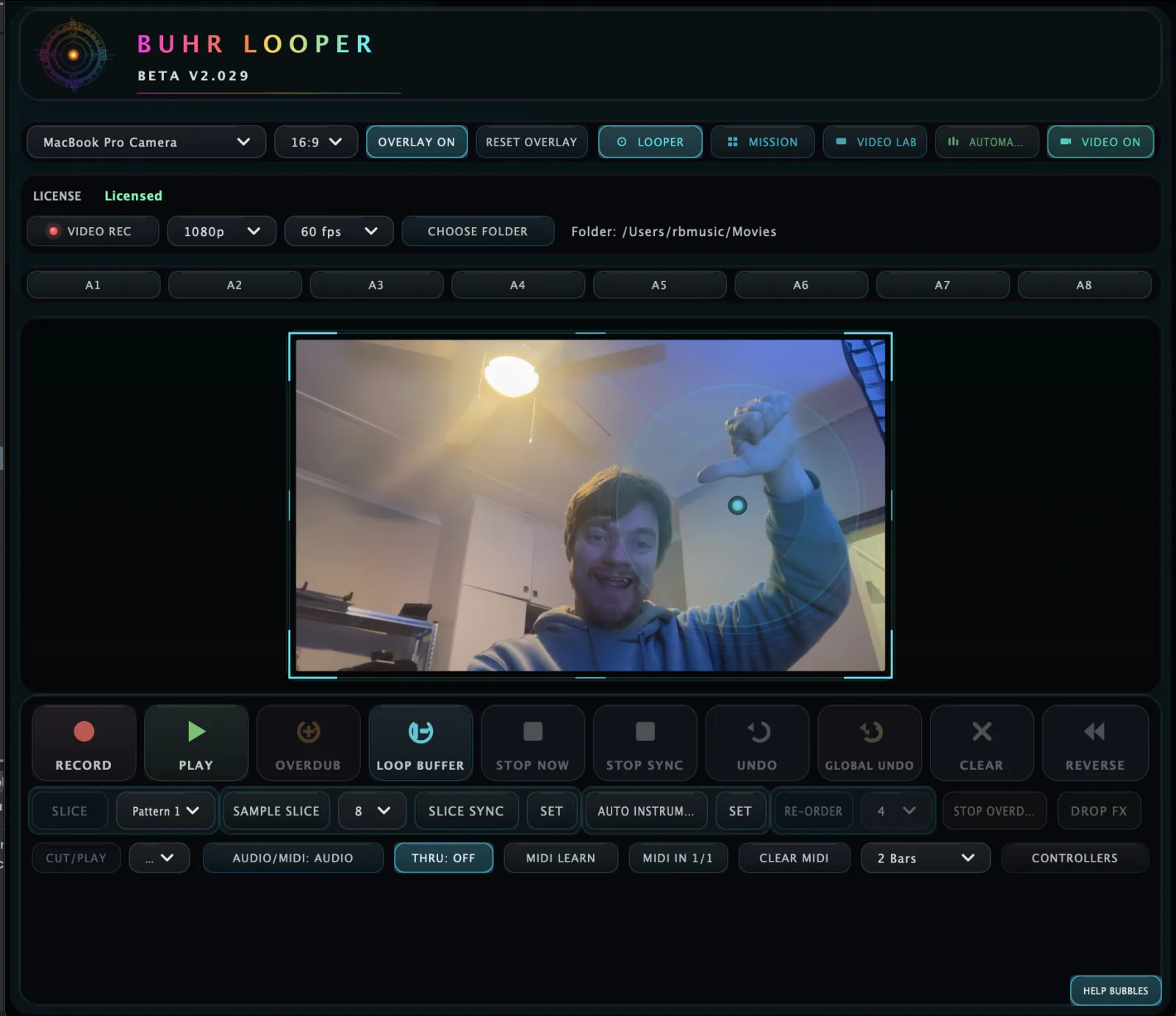
Every control on one screen — record, overdub, slice, sample-slice, Auto Instrument and a live camera viewport, all locked to your DAW's clock. No menus to dig through, no mode-hopping.
Flip a looper to MIDI mode and the radial waveform becomes a piano roll wrapped around a clock face. Each Note color and thickness is determined by velocity.
Record any melodic sound, a soda can, a vocal note, a glass sound, a metal ding, any melodic sound. Auto Instrument detects the root pitch, snaps it to the nearest semitone, retunes the sample to perfect concert pitch, and maps it polyphonically across every key on the piano. One click. Sixteen voices. Yours.
Soda Can, Sustained vocal, guitar, synth, anything with a pitch center.
Engine finds the fundamental, snaps to the nearest semitone.
It then automatically maps the sound perfectly tuned across a 88 key midi keyboard all with only one click of a button perfect for live performances.

Watch Auto Instrument turn a single recorded note into a polyphonic, perfectly-tuned instrument across all 88 keys — one click, mid-performance.
Drag blocks from the palette into the timeline to script entire sections, Play, Record, Slice, Sample Slice, Auto Instrument, Reverse, Drop FX. Layer Video FX on top of any block. Eight sets, eight runs, all triggered from your DAW with a single MIDI pulse.
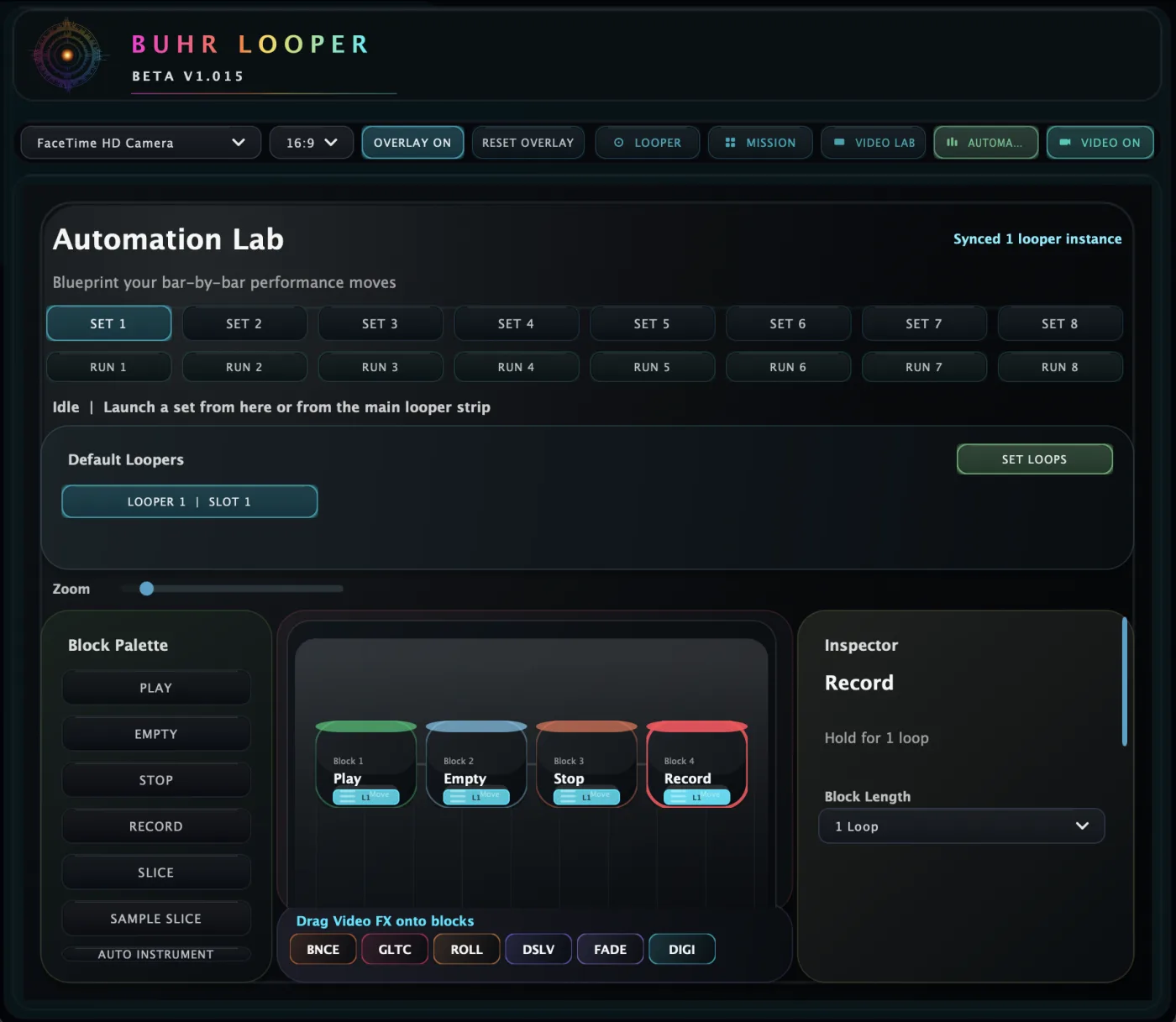
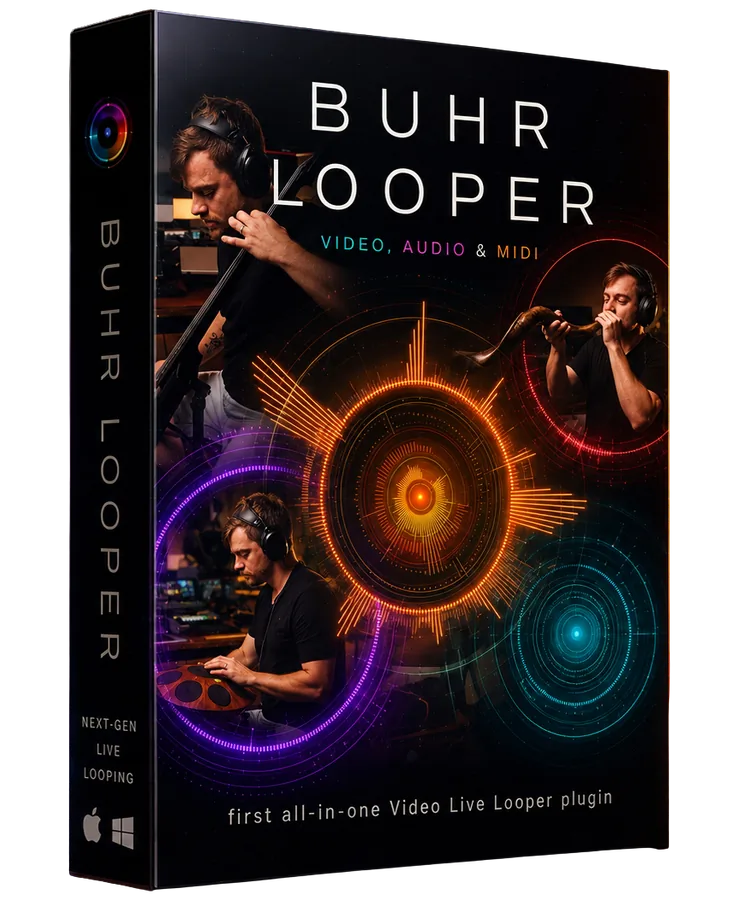
Most loopers loop audio. Buhr Looper loops everything, your audio, your MIDI, and the video of you playing it. Add multiple looper instances, 9 overdubs per looper instance, each overdub can be it's own length independent from the others , host-locked sync, sample slicing, automation lab is a visual drag and drop system to easily manage your loop automations, and Mission Control video capture and much much more, all running inside your DAW.
 BUHR LOOPER
VIDEO · AUDIO & MIDI
Drop your product box render into
BUHR LOOPER
VIDEO · AUDIO & MIDI
Drop your product box render intoassets/product-box.png
Swap loops and presets, get first dibs on new builds, request features, and grab help straight from me and other Buhr Looper players. Pull up — it's free.
Built For Live Loopers by a Live Looper
Every loop draws itself as a circle with the waveform painted as radial spikes between an inner and outer ring. Overdubs stack as concentric inner bands so you can see every layer at a glance.
Loops snap to bar boundaries. Loop Buffer captures the last 1, 2 bars as a synced loop the instant you tap, even after the moment has passed.
Transient-grid slicing turns any recorded loop into a playable instrument. Trigger slices from pads, MIDI keys, or the integrated NI Traktor Kontrol F1 / APC40 mappings.
Each instance captures its own video feed and writes a .mov with the looper's
audio embedded — perfect for tutorials, social cuts, or piping visuals into Resolume via Syphon.
Pitch-locked stretching keeps loops in key while you change their tempo. Per-loop reverse, with smooth crossfaded boundaries on retriggers.
Draw automation directly on a per-loop timeline. Zoom tight on micro-edits, or sketch sweeping macros across the whole arrangement. Super Intuitive Visual Automation System
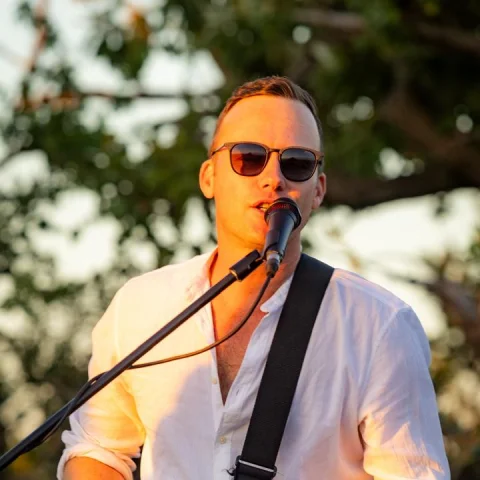
Such a pleasure not having to travel abroad with my analogue looper anymore. This plugin is all I need.
Buhr Looper is one of a family of premium plugins & instruments. Explore the full studio at buhraudio.com.
Everything about formats, pricing and how Buhr Looper fits your setup.
Buhr Looper is the first all-in-one video, audio & MIDI live looper plugin (AU & VST3) for macOS and Windows. Each loop captures sound and motion together, so you build living loop circles that carry their own video feed — resize, stretch, stack and layer every overdub, locked in perfect host sync.
Buhr Looper ships as AU and VST3 for macOS 11+ (Apple Silicon & Intel) and Windows 10+. It runs in any host that loads AU or VST3 — Ableton Live, Logic Pro, FL Studio, Studio One, Cubase, Bitwig and Reaper among them.
A one-time purchase of $29 USD (70% discount off the original $99 price) with lifetime updates through v2.x. All prices are shown in US dollars ($) for every customer.
Up to 9 overdubs per instance, each with its own waveform and video feed. Drop more Buhr Loopers into your DAW and they auto-register across Video Lab and Automation Lab.
No. Buhr Looper is GPU-light and tuned for Apple Silicon and modern Windows machines — the visual engine automatically scales quality to your hardware.